Request
Request defines the HTTP request that the case sends.
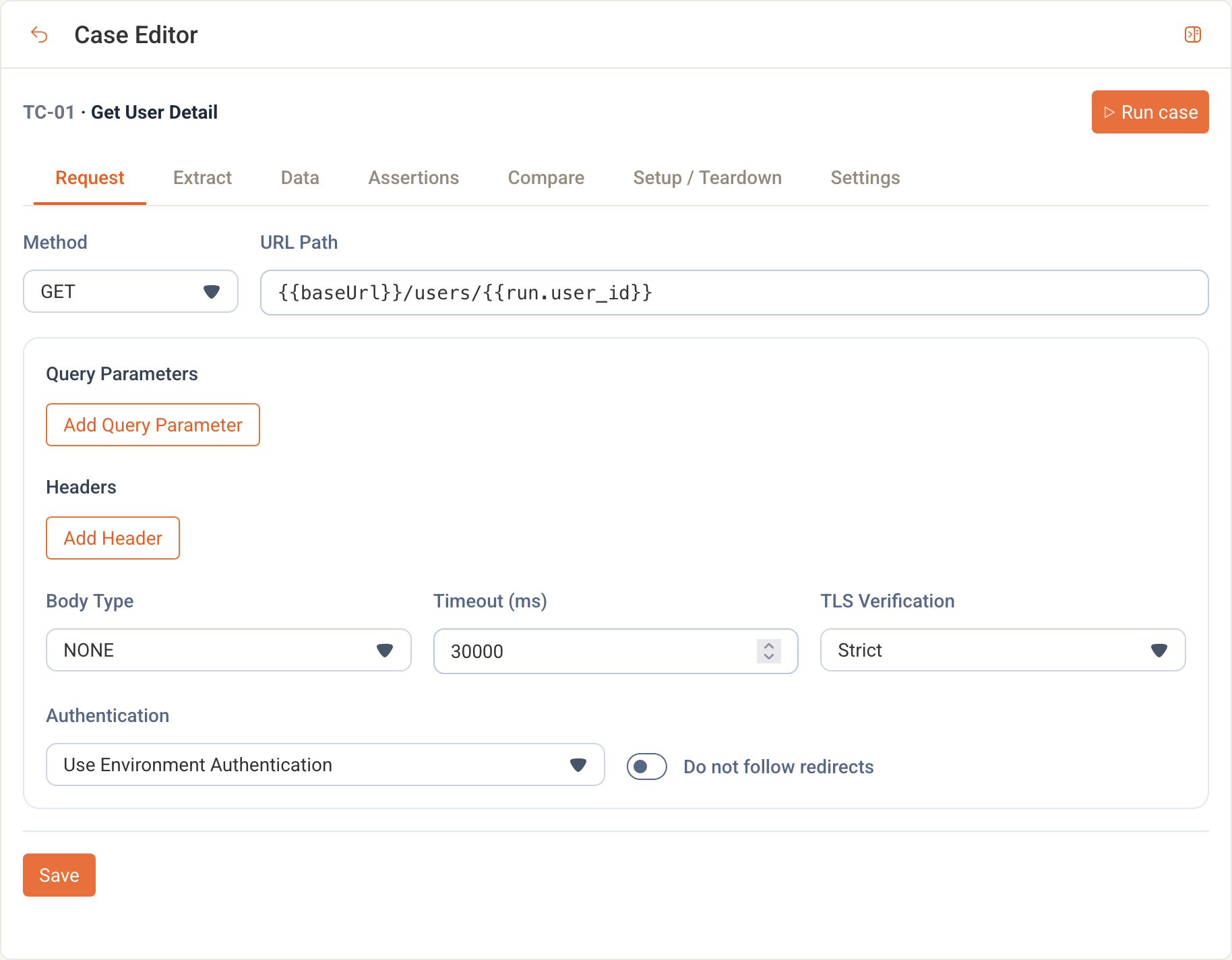
Requested fields include:
- Method, the HTTP method of the request:
GET,POST,PUT,PATCH, orDELETE. - URL Path, the path of the endpoint under test, relative to the base URL of the selected environment.
Starts with a
/, example/users. - Query Parameters, key-value pairs appended to the URL.
- Headers, key-value pairs sent as request headers.
- Body Type, the format of the request body:
NONE,JSON,XML,RAW, orFORM. - Timeout (ms), the maximum time to wait for a response. Defaults to
30000. - TLS Verification, the certificate verificaton mode. Automatically selected to
Strict. - Authentication, the authentication applied to the request:
Use Environment Authentication,No Authentication,Basic,Bearer,API Key,OAuth2 Client Credentials,Secret Reference.Use Environment Authenticationapplies the authentication configured on the selected environment. - Do not follow redirects, when enabled, redirect responses are returned as they are and are not not followed.
Query Parameters and Headers
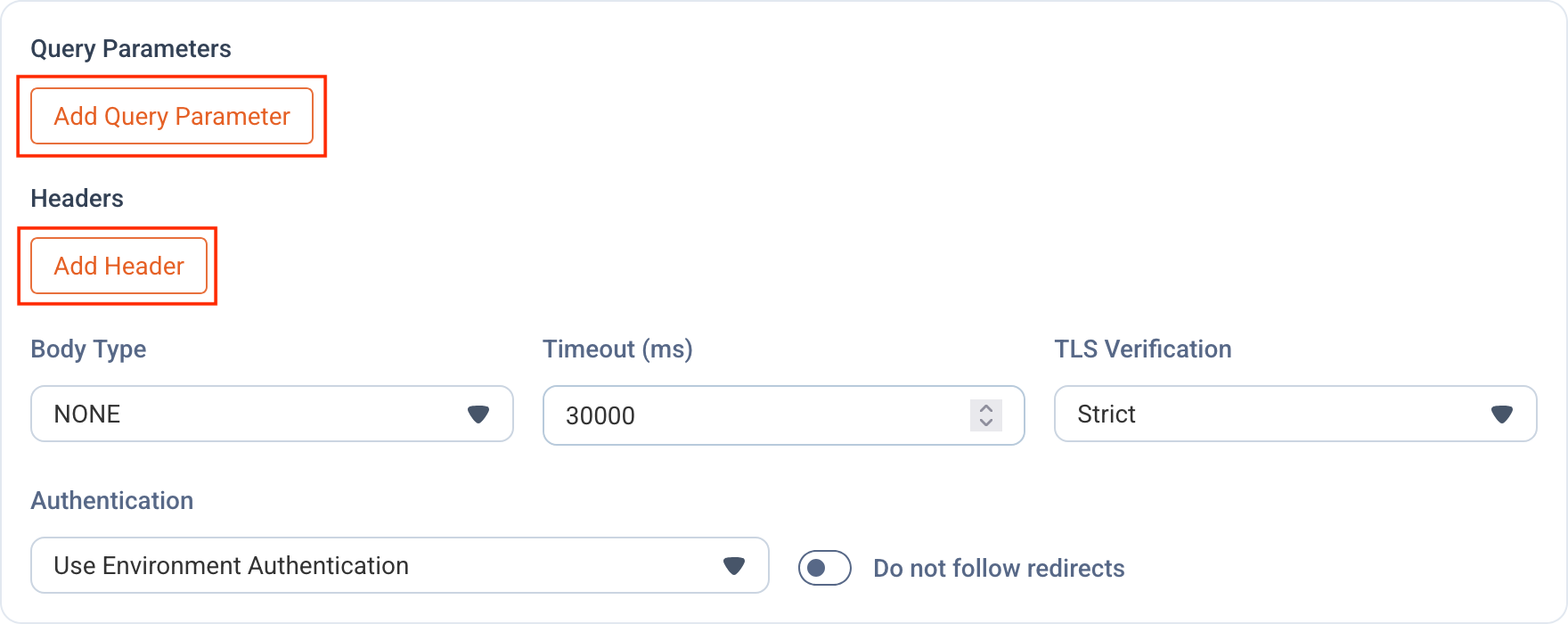
A query is added using Add Query Parameter or Add Header.
Each parameter or header row contains:
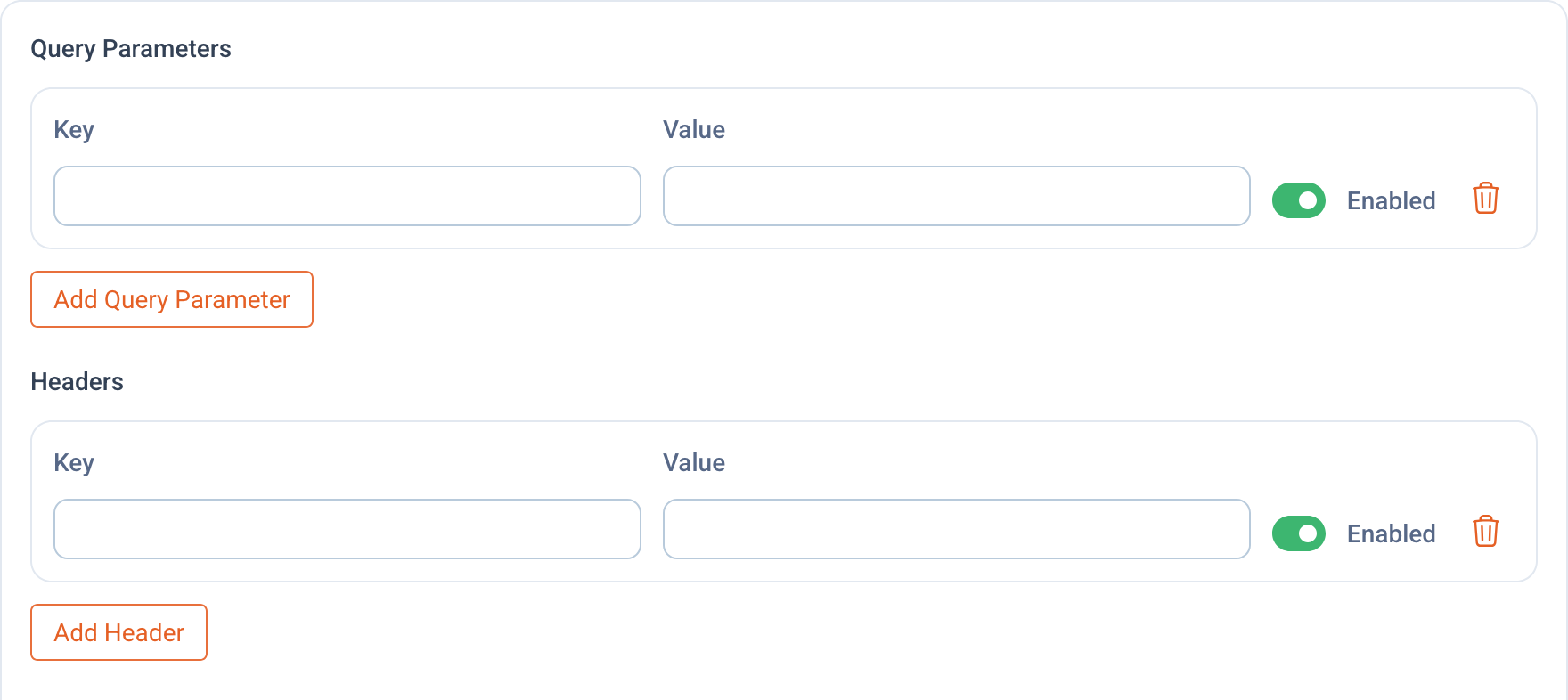
- Key, the name of the parameter or header.
- Value, the value, which may contain variables.
- Enabled, a toggle. A disabled row is retained in the case but is not sent.
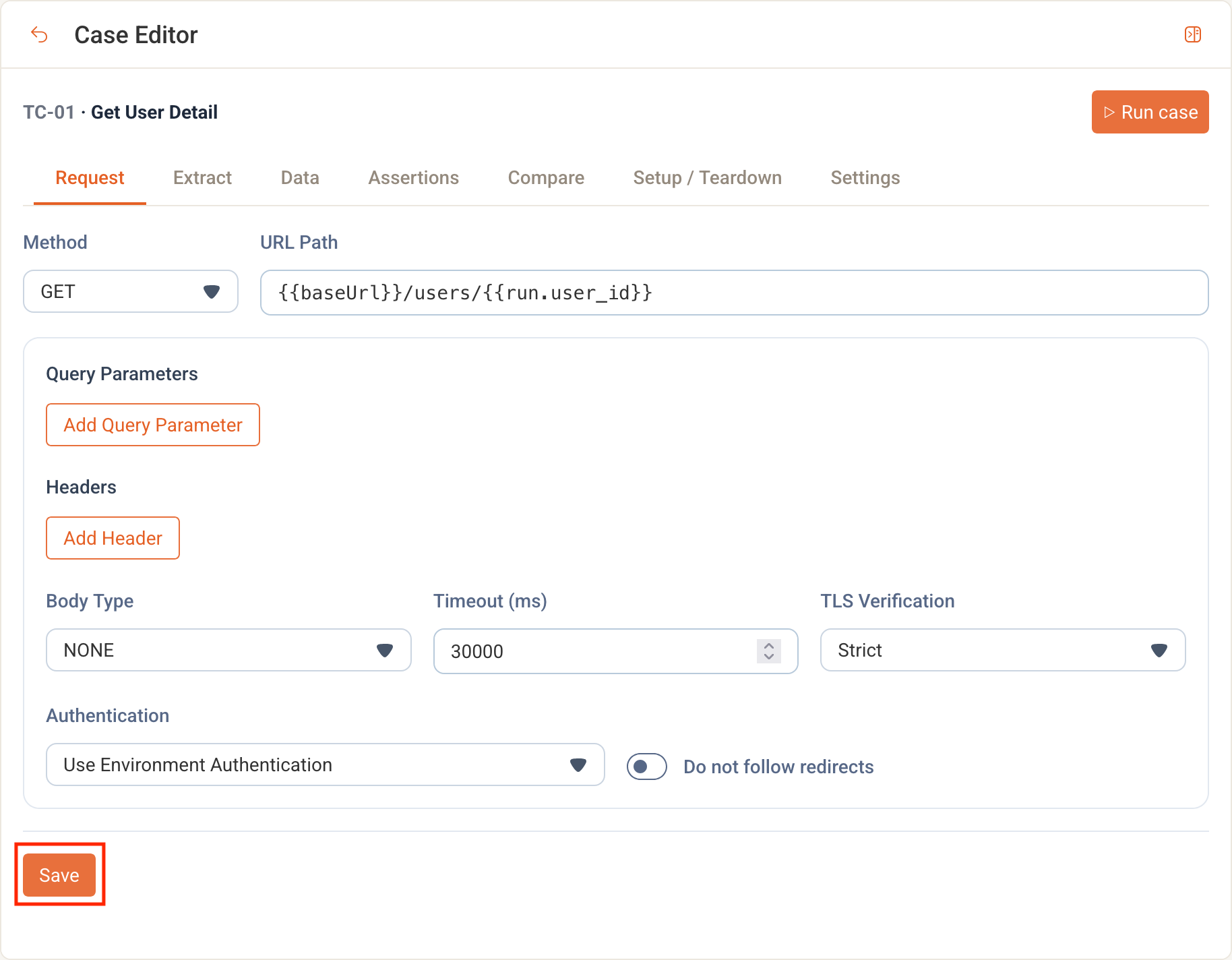
Changes take place only after clicking on Save.
